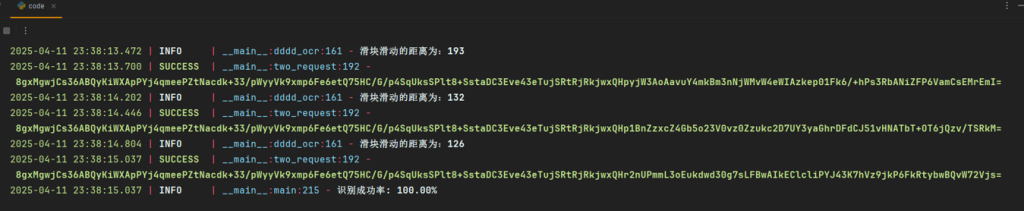
本文最后更新于 548 天前,其中的信息可能已经有所发展或是发生改变。
本篇文章为作者在学习逆向过程中所做案例的经验分享,本文章中所有内容仅供学习交流,严禁用于商业用途和非法用途,否则由此产生的一切后果均与作者无关,若有侵权,请联系我立即删除!
抓包分析
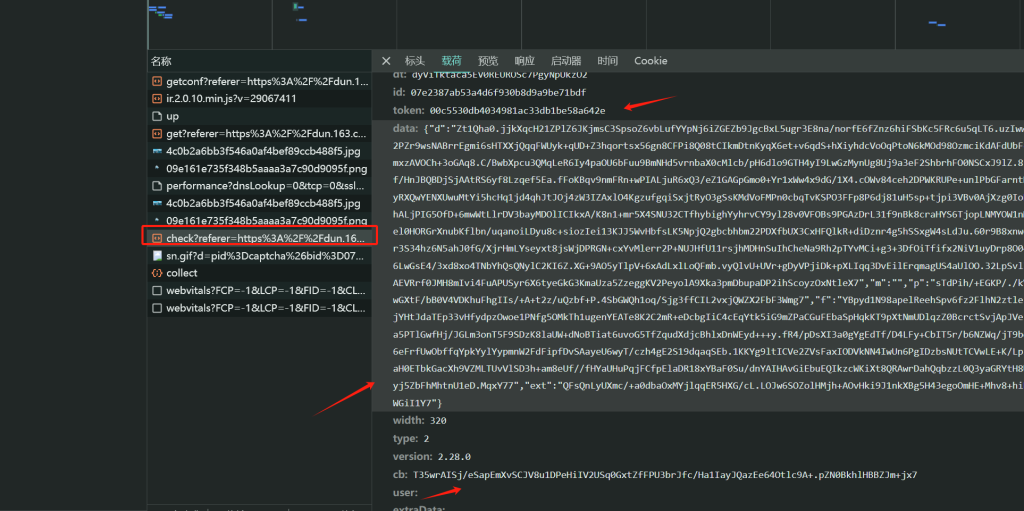
主要逆向的都在后面的那两个包 前面的可以不发请求
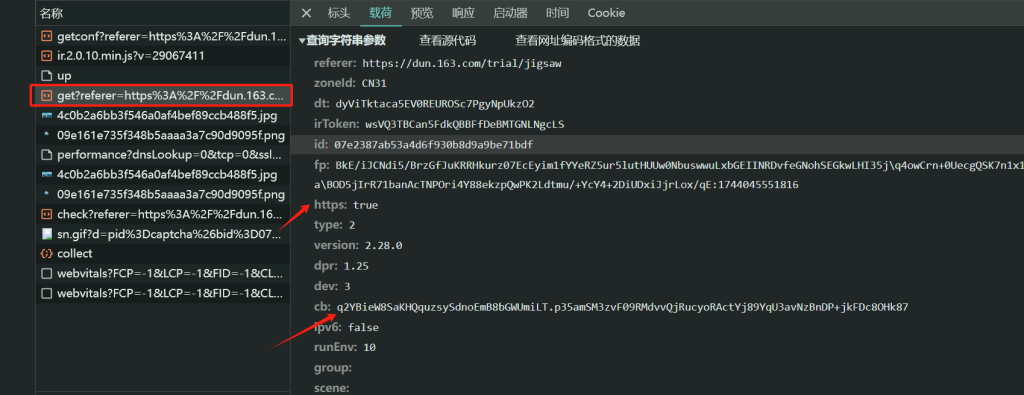
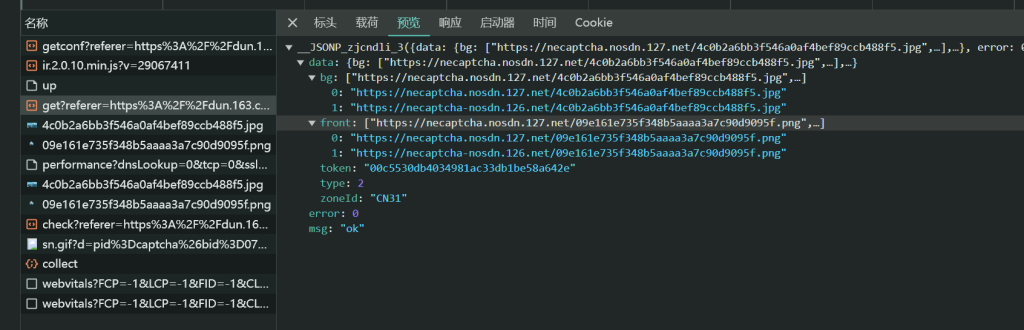
fp和cb需要逆向,返回图片以及token,token后续会用到
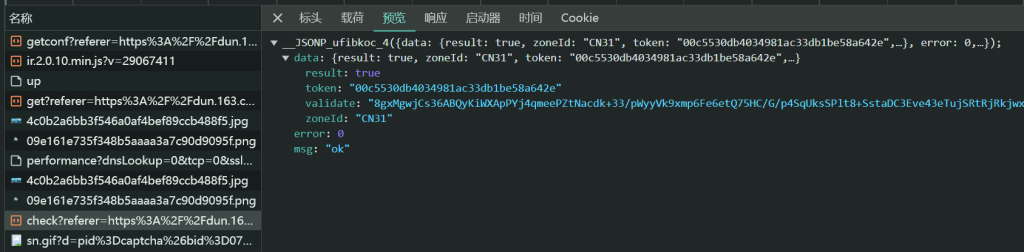
第二个接口携带的参数有很多,需要逆向的只有data,成功返回的validate就有数据,否则就没有
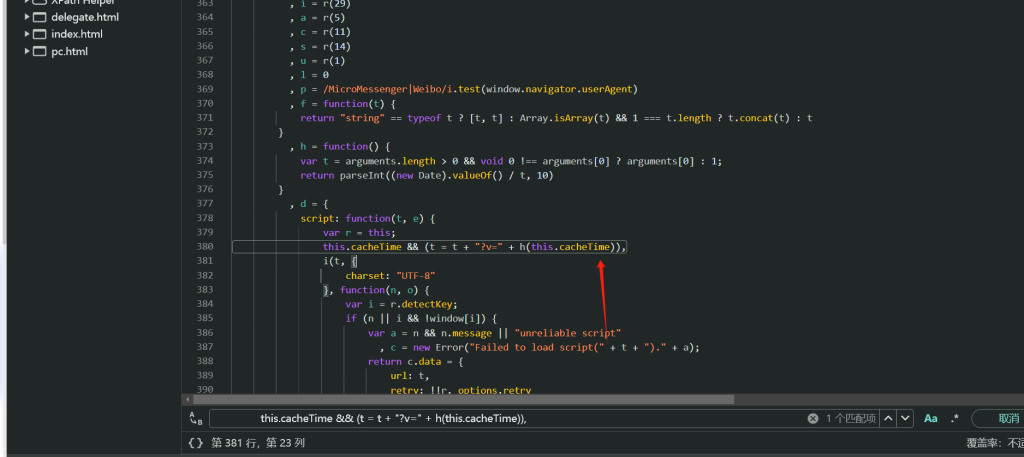
首先把时间戳给替换文件然后删掉,进去,然后本地替换一下,然后把箭头指向的那行代码删掉,保存刷新一下,然后调试其他代码就可以一直有断点了

逆向分析
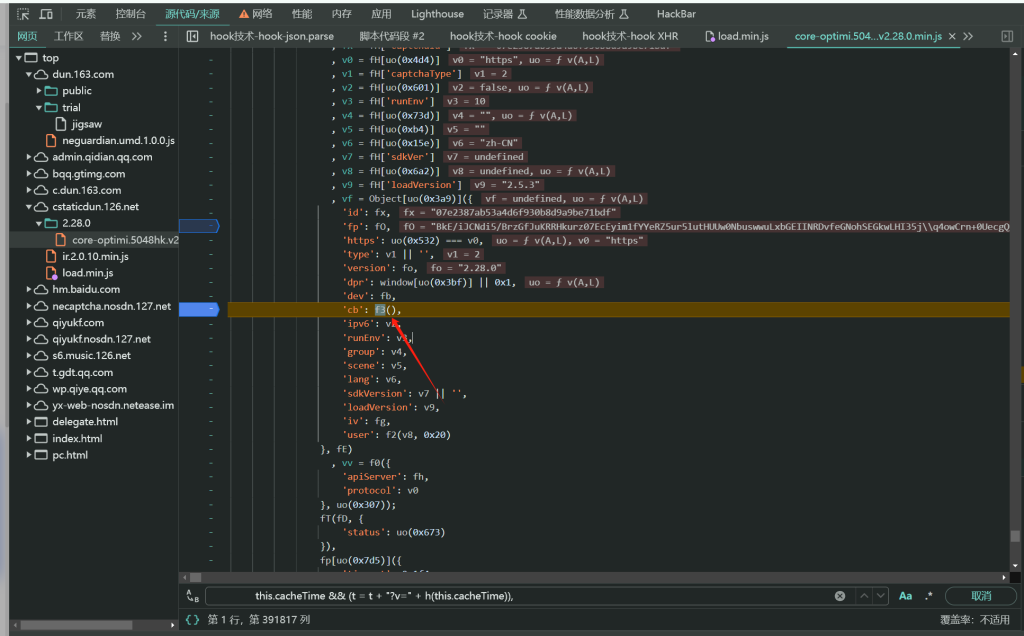
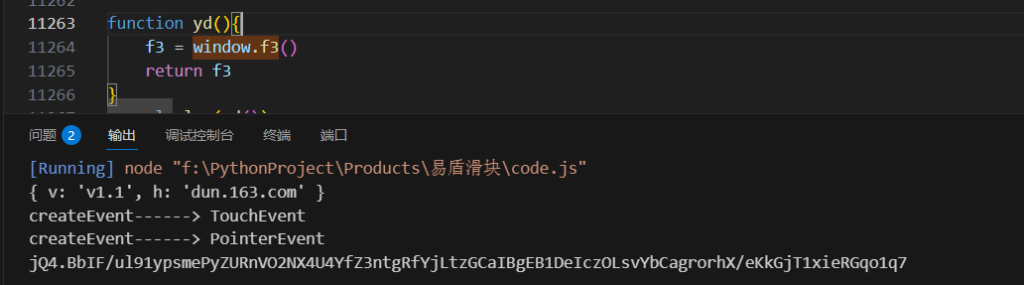
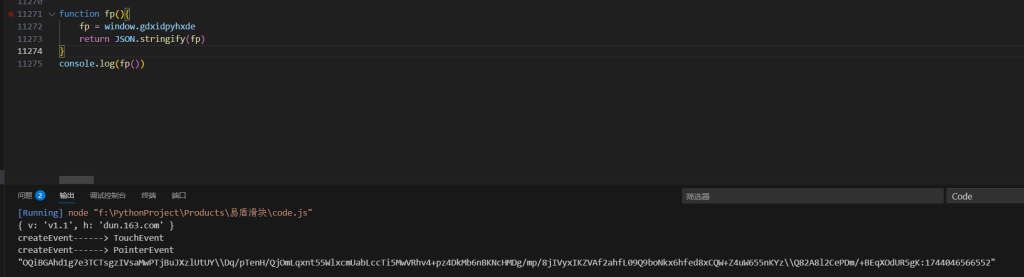
cb参数,看到cb参数是调用了f3就生成的值,所以直接把代码都复制到本地,然后把f3导出就行了
fp参数,fp参数是跟cookie的gdxidpyhxdE有关联的,先生成了这个参数,然后赋值了了gdxidpyhxdE,再从gdxidpyhxdE取值,所以直接hook一下cookie的gdxidpyhxdE。实际上你hook到之后去分析代码会发现fp等于window.gdxidpyhxde,既然都能从window取值了,说明已经在全局里了,所以直接补环境一把梭,把fp=window.gdxidpyhxde就能出值了
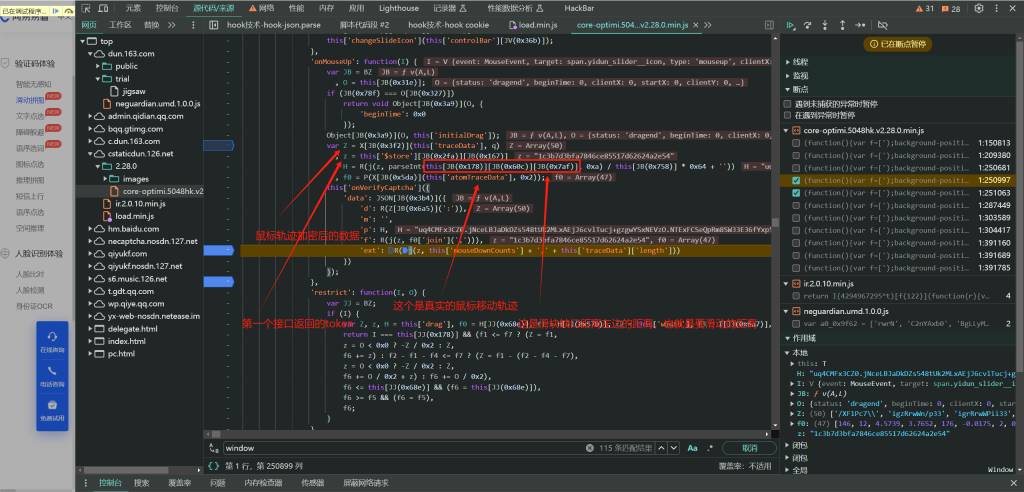
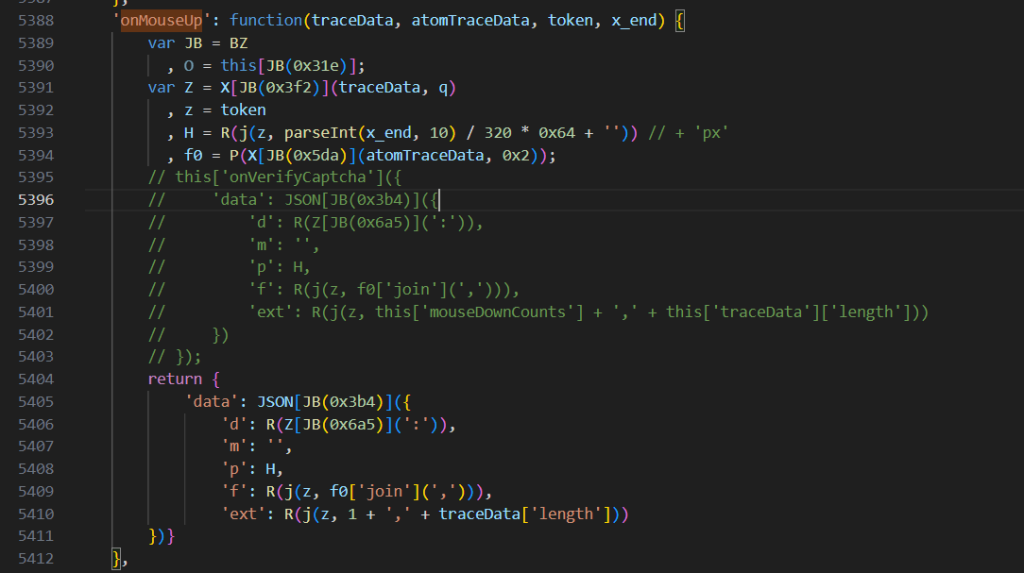
data参数,分析的都在图里,然后在本地代码,把这个函数魔改一下,然后导出就行了
轨迹
def get_track_list(self, distance):
"""
distance:滑块距离
return:轨迹列表
"""
trajectory_list = []
if distance >= 200:
count = random.randint(145, 180)
count_x = 2
count_x_s = 4
elif distance >= 150:
count = random.randint(80, 140)
count_x = 2
count_x_s = 3
elif distance < 150:
count = random.randint(60, 85)
count_x = 3
count_x_s = 3
else:
count = random.randint(60, 180)
count_x = 3
count_x_s = 4
mouse_x = 0
x = 3
y = 0
time = random.randint(120, 180)
for i in range(count):
if mouse_x < distance / 2:
x = x + random.randint(1, count_x)
y = y + random.randint(-1, 1)
time = time + random.randint(8, 15)
else:
if (mouse_x > distance / 2) and mouse_x < distance - 15:
x = x + random.randint(0, count_x_s)
y = y + random.randint(-1, 1)
time = time + random.randint(10, 20)
else:
x = x + random.randint(0, 1)
y = y + random.randint(-1, 1)
time = time + random.randint(10, 20)
mouse_x = x
trajectory_list.append([x, y, time])
if mouse_x >= distance:
break
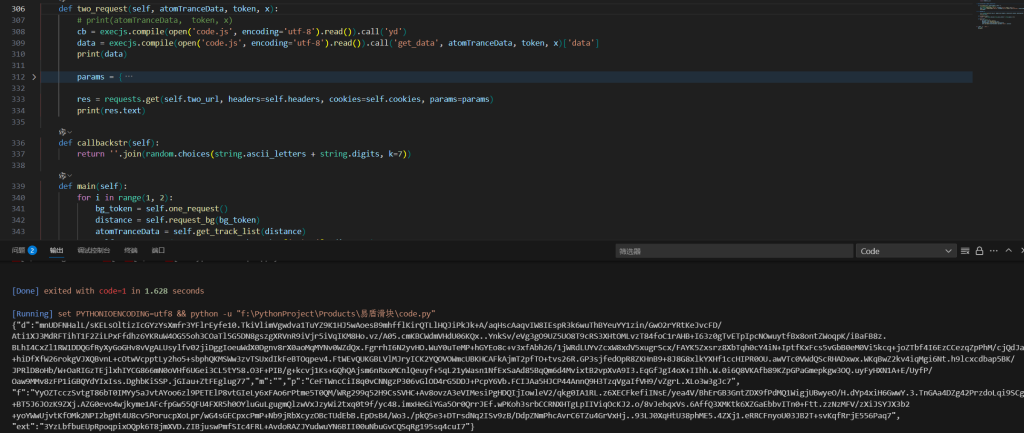
return trajectory_list结果验证